TinyFingers Paint Early Years
Finger painting for small children: every touch makes colour, light and sound. Made for daycare and early childhood education, with an adult leading.
What a child does with it
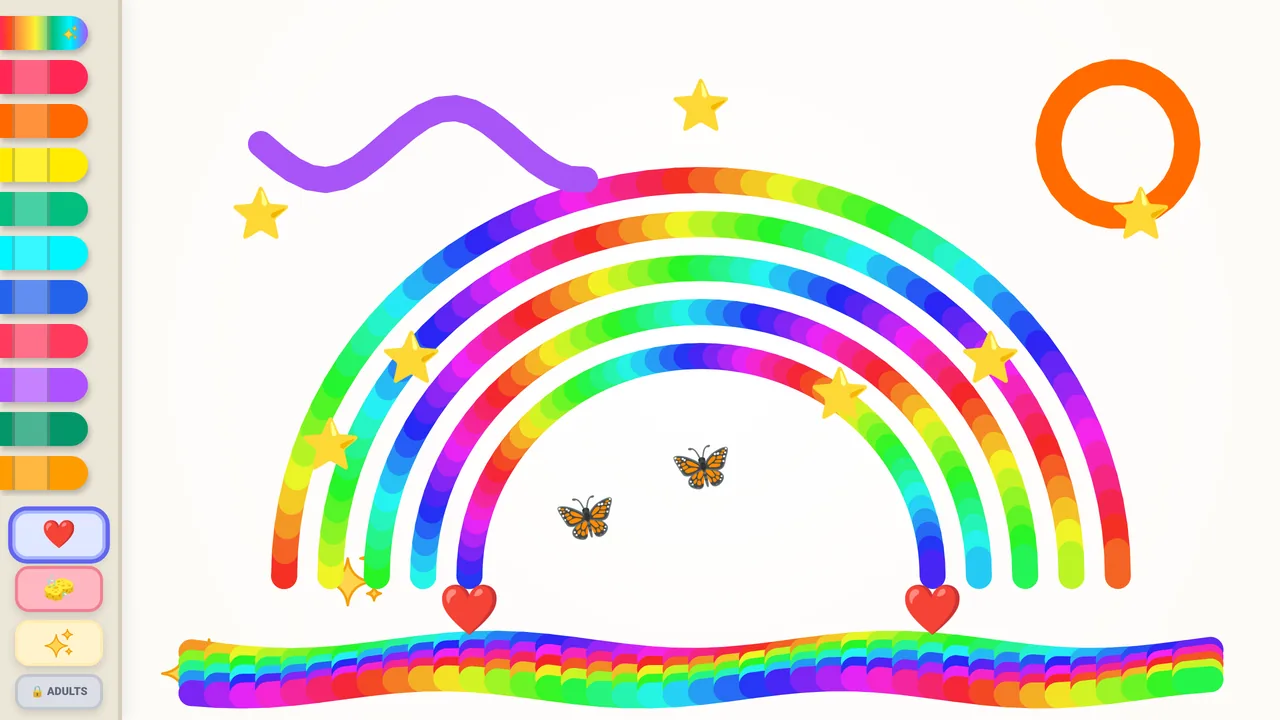
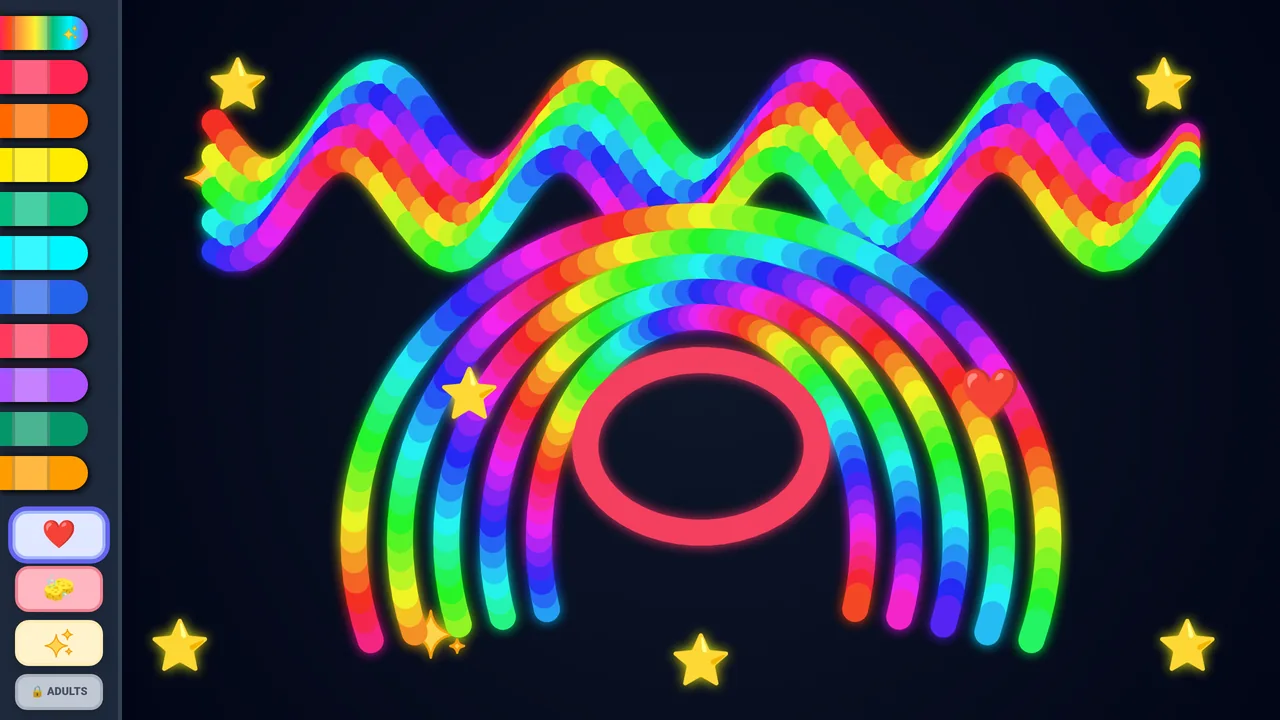
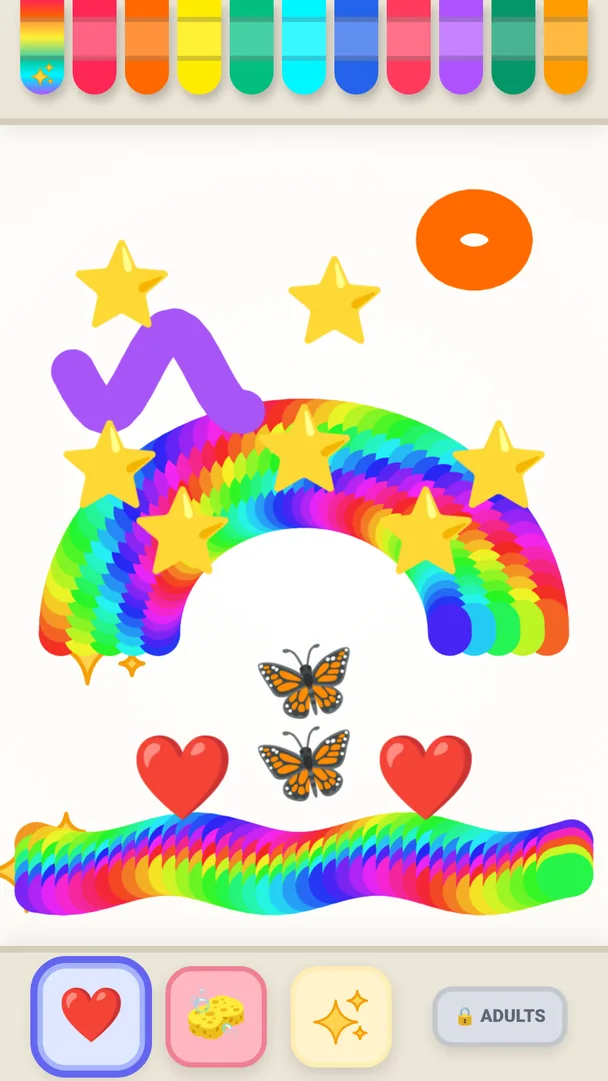
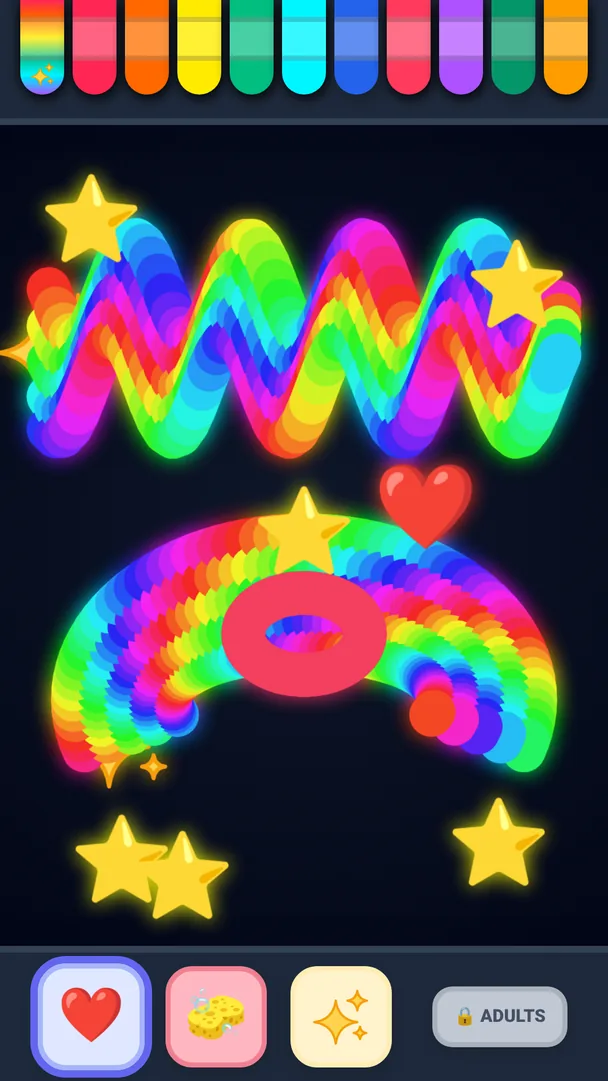
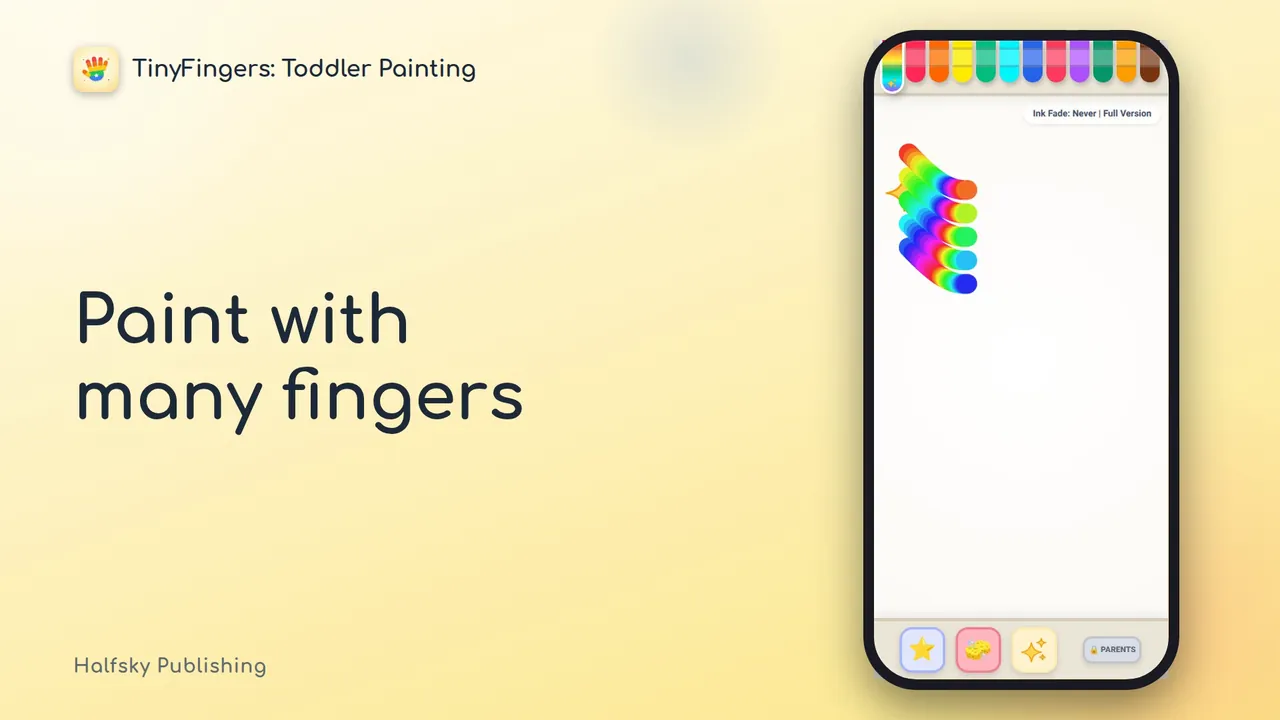
- Paints with their fingers. One finger, a palm or many fingers at once. With the rainbow crayon, every finger paints in its own colour.
- Hears every touch. Each crayon plays a note from a five-note scale, so the notes always sound good together.
- Pokes stamps. Stars, hearts, paw prints, butterflies, flowers and rockets, for the youngest, who poke the screen rather than draw.
- Makes sparkles. Pressing a whole hand down at once makes a burst of sparkles.
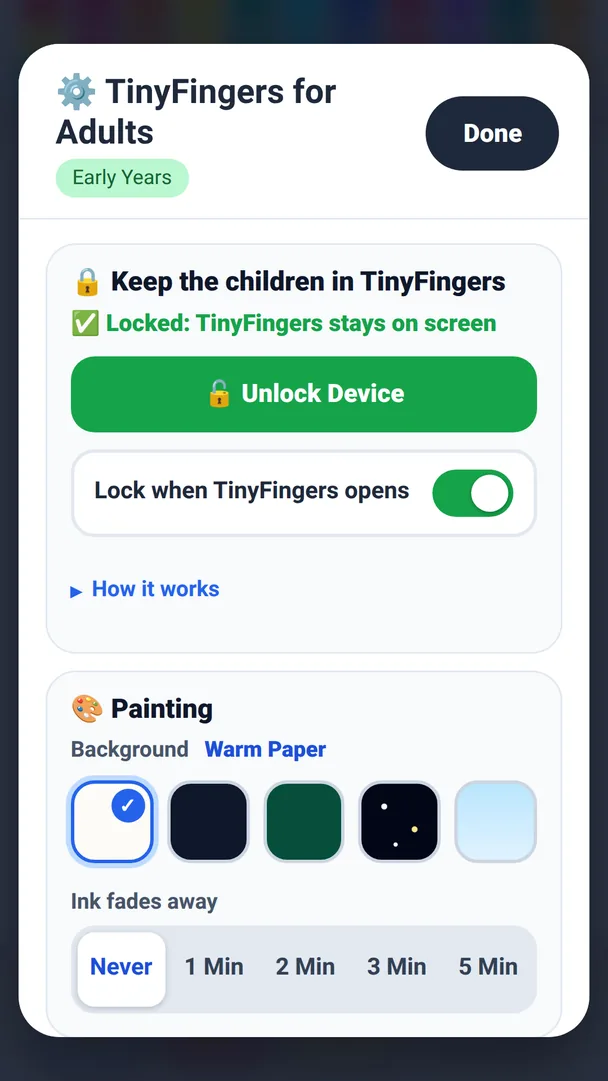
- Sees the ink fade. The lines fade away on their own, so the page is soon clean again. The adult sets the time, from 1 to 5 minutes, or switches fading off.
- Wipes safely. A big eraser, and a clear button that has to be pressed and held, so a stray palm does not wipe the picture away.
- Picks a page. Five page backgrounds, light and dark, and the crayons can sit on the left or the right.
Why it suits early childhood education
- No ads, no tracking, no accounts. There is nothing to sign up for and nothing that follows the child. The Early Years edition is designed to collect no data.
- Works offline. It is designed to make no network connections, so it does not depend on the daycare’s network.
- Nothing judges the child. No score, no level, no timer, no wrong way to paint. Every touch gets an answer.
- The adult stays in charge. The settings and the button that closes the app are behind a lock for adults: four numbers to tap in order, twice.
- Locked to the app. The device can be locked to the app, so the child stays inside it: Guided Access on iPad, screen pinning on Android, a full-screen lock on Windows.
- For shared devices. The dedicated-device mode can hide the Adults button and ask for a PIN, for a device that is left out in the open.
- 19 languages. The menu for adults follows the device’s language.
Screenshots
Watch the video
The video plays from YouTube only when you tap it. Until you do, this page does not contact YouTube.
Read on
- Data protection: what the app collects, for your data protection officer
- Deployment: how the app reaches your devices, and how a device is locked to it
- Security: short answers for your ICT team
- Accessibility statement
- Curriculum: the sections of the national core curricula it supports
- Early Years: licence, free pilot and demos
TinyFingers Paint for home use
TinyFingers Paint is also sold to individuals as a separate app, for use at home. That app is not the Early Years edition.
What differs: the home app has a free trial that lasts 10 minutes each time it opens, a purchase that unlocks it, and a menu for grown-ups that holds the purchase. The Early Years edition has no trial and no purchases, says “adults” throughout, has a dedicated-device mode, and reaches your devices through your organisation’s own device management.
What both share: no ads, no tracking, no accounts.
For an early childhood education setting, the Early Years edition is the version we license. Ask for an offer: early-years@tinyfingers.fi.
The home version has its own page, which shows where it is available: TinyFingers Paint for home use (halfskypublishing.com)